Strava
By integrating the ROOK API, you gain access to Strava data, enabling you to retrieve physical information from your linked users. Our API collects raw data from Strava, transforms it into structured data, and delivers it in JSON format via webhooks or API queries.
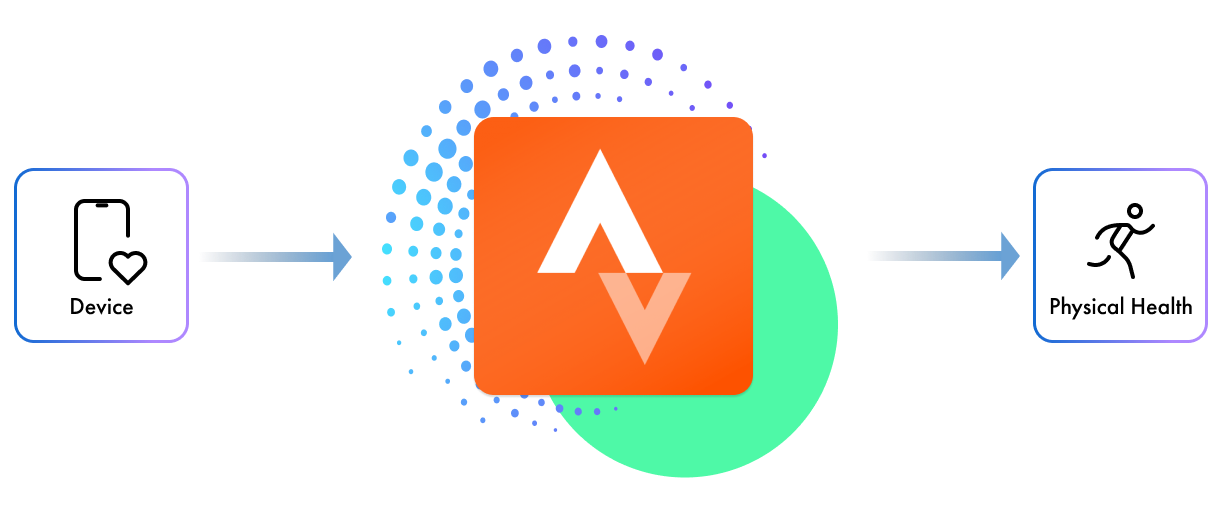
Strava Available Data
This is the data available from Strava that ROOK extracts:
Physical Health
{
  "physical_activity_event": [
    "active_seconds_int",
    "activity_duration_seconds_int",
    "activity_start_datetime_string",
    "activity_end_datetime_string",
    "activity_energy_kilojoules_float",
    "activity_type_name_string",
    "calories_expenditure_kcal_float",
    "traveled_distance_meters_float",
    "elevation_gain_actual_altitude_meters_float",
    "elevation_maximum_altitude_meters_float",
    "elevation_minimum_altitude_meters_float",
    "cadence_avg_rpm_float",
    "speed_avg_meters_per_second_float",
    "speed_maximum_meters_per_second_float",
    "pace_avg_min_per_km_float",
    "position_start_object.lat_deg_float",
    "position_start_object.lng_deg_float",
    "position_end_object.lat_deg_float",
    "position_end_object.lng_deg_float",
    "position_polyline_map_data_summary_string",
    "power_avg_watts_float",
    "power_maximum_watts_float",
  ]
}
The data you receive depends on the permissions granted by the user when linking their data source.
Data Delivery
Our Strava integration delivers notifications within minutes after a user completes an event and syncs their app. ROOK retrieves, processes, and delivers the data through our SDKs, providing you with user insights efficiently.
Start Extracting Strava Data
To begin extracting health data from Strava, follow these steps:
Step 1: Enable Data Source
Integrate Strava into your application or digital solution through the endpoint provided by ROOK.

Step 2: Set Up Your Connections Page
Enable the Strava data source on the connections page to allow your users to connect.

Step 3: Receive Your Users' Data
Once users connect to the data source, you will start receiving their data. Utilize this data to its full potential.
{
  "version":[],
  "data_structure": "",
  "client_uuid": "",
  "user_id": "",
  "physical_health": {},
}
Providers Authorization
To integrate with Strava, clients are required to create their own developer accounts with these providers. This is necessary to obtain authorization for health data extraction.
Strava Brand Guide
To ensure the correct use of Strava’s brand and assets, follow their official guidelines. You can find more details in their brand guide here: Strava Brand Guide.